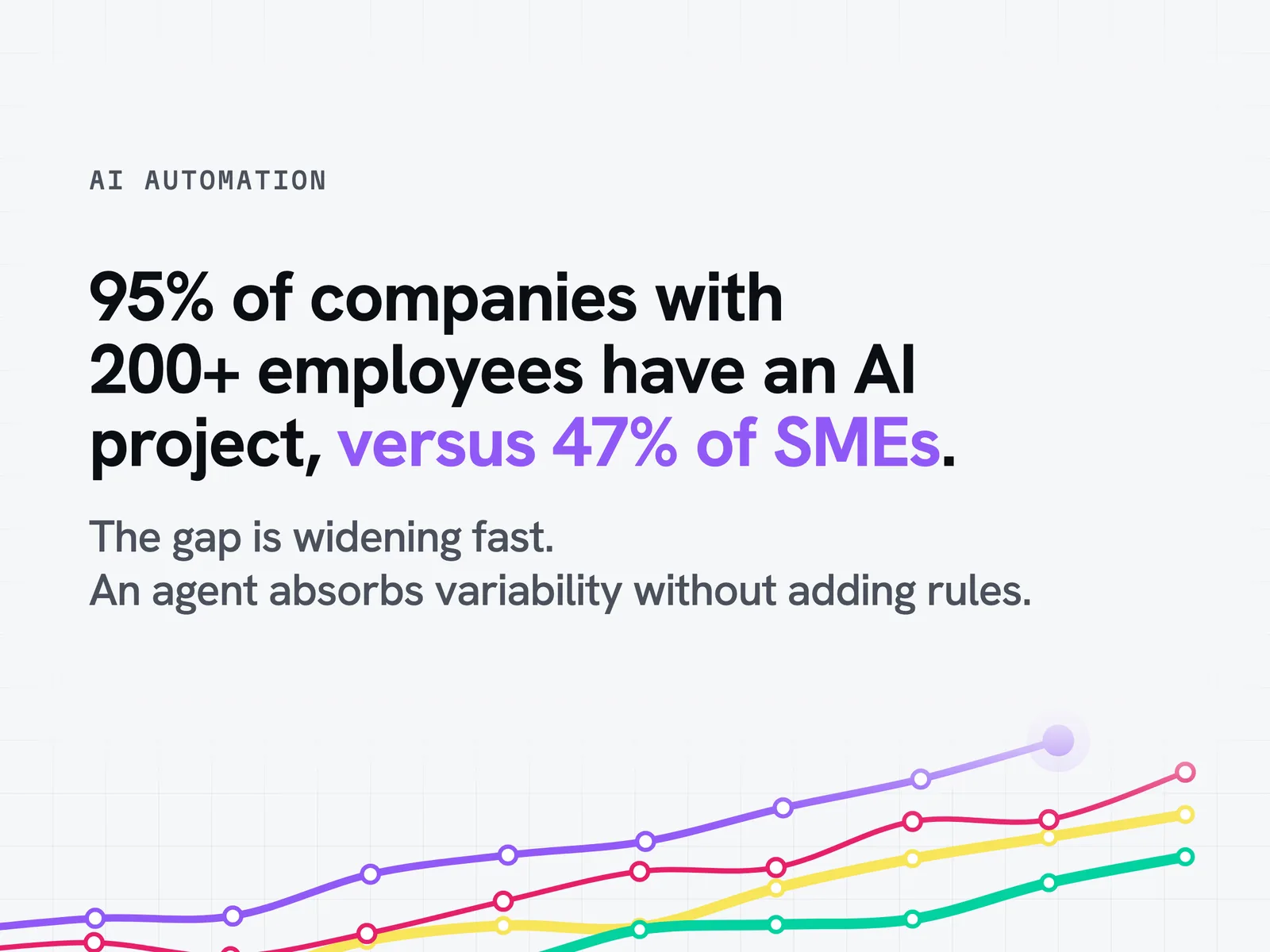
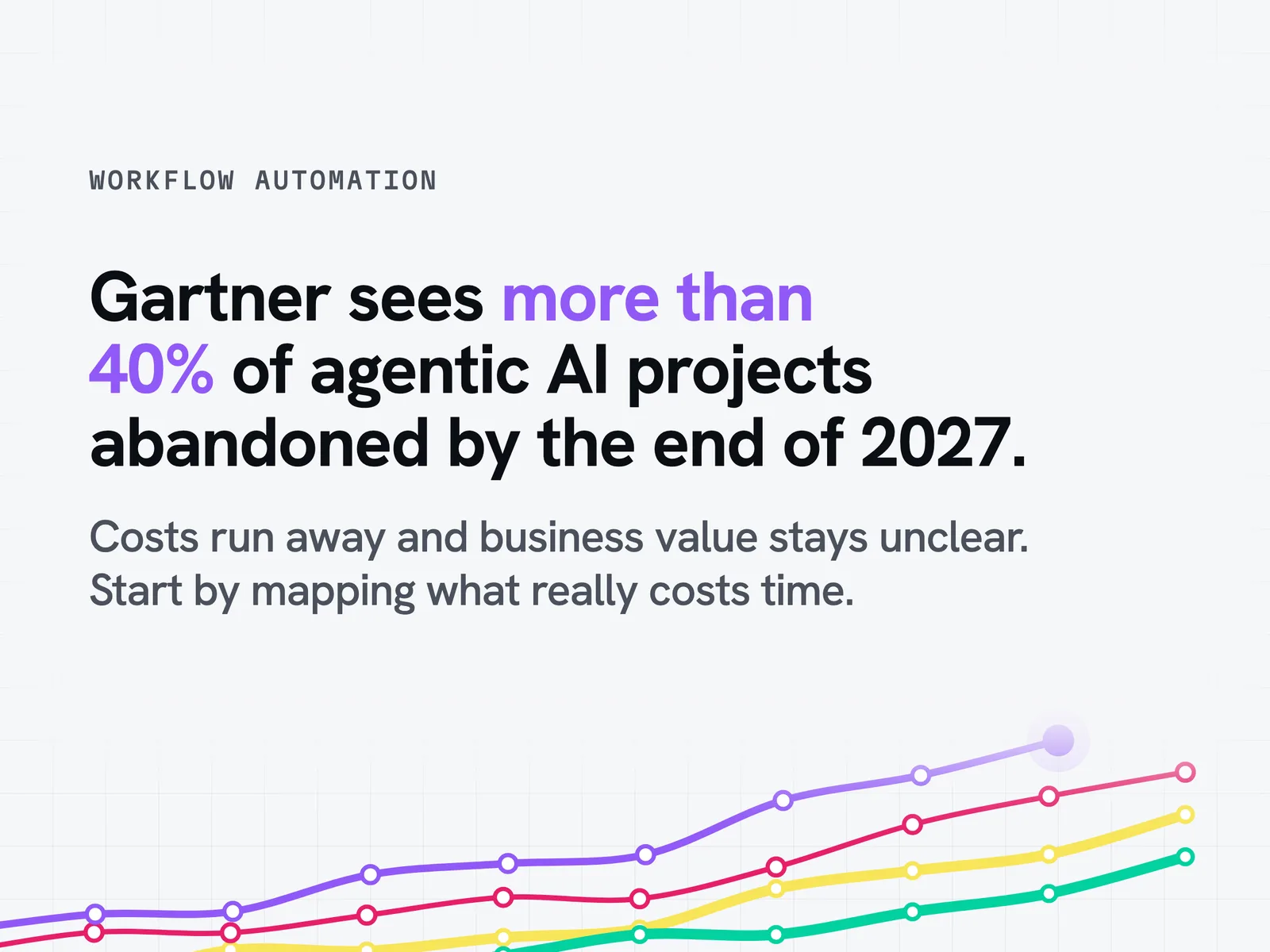
More than 40% of agentic AI projects will be abandoned by the end of 2027, according to Gartner. That figure sums up the trap of poorly scoped workflow automation: promising autonomy without measuring the real friction in the process. Between no-code, RPA and the autonomous AI agent, teams struggle to choose the right approach for their business processes. This guide sets out the five-step method, compares automation tools with AI agents on your critical tasks and helps you scope your project without vendor lock-in.
What is workflow automation and why adopt it?
Defining a workflow and its automation
A workflow is the flow of work that structures a business process, from the initial request through to its closure. This process automation, also called automated workflow or flow automation, hands the processing of some or all of these phases to automation software rather than to human intervention. In practice, a trigger (new data, a submitted form, a deadline reached) sets off a chain of programmed actions, whether that means documents, data or media to route between systems. The logic rests on conditional rules, along the lines of "if this condition is met, then this task runs automatically".
The difference between workflow management and workflow automation
Workflow management assumes human supervision at every step: a manager approves, redirects or completes the process by hand. Workflow automation, also referred to as automation of workflows depending on the terminology, goes one step further: it carries out the actions without human intervention as long as the rules are met. Automating at least one process is now the norm for any company engaged in its digital transformation, rather than an exception reserved for large groups.
Workflow automation and RPA: what is the difference?
RPA (robotic process automation) deploys software robots to reproduce a single repetitive operation, such as a copy and paste between two applications or a form entry. Process automation has a broader scope: it orchestrates a complete sequence of phases, actors and conditional rules. In a common hybrid set-up, RPA handles high-throughput data entry while the agent steps in on exceptions and context-dependent situations. The two approaches complement each other more than they compete.
Who is workflow automation for, and when does it make sense?
Automation earns its place as soon as three signals appear:
- A process generates a high volume of identical tasks every week
- Back-and-forth by email or spreadsheet multiplies the risk of error
- A team spends a disproportionate amount of time on low-value tasks
These criteria apply as much to a well-structured SME as to a large company, whatever its line of business, provided the existing information system can be connected.
Save time and reduce the repetitive workload
This is the benefit most often cited by companies that automate their workflows: freeing teams from repetitive tasks so they can refocus on high-value decisions. A notification, a status update or a document dispatch runs automatically, thanks to simple rules, without waiting for a colleague to get to it between two meetings. This lighter task load translates directly into measurable operational efficiency on high-volume processes.
Reduce human error and make execution reliable
Repeated manual data entry inevitably produces inaccuracies: a figure copied wrong, a step forgotten under deadline pressure. Automation applies the same rule on every run, which strengthens the compliance of the process and reduces the need for after-the-fact checks. Teams gain reliability without multiplying manual control points.
Improve collaboration and real-time visibility
An automated workflow centralises the tracking of every phase in a shared dashboard, so every stakeholder can see where the process stands without having to chase a colleague by email. This shared visibility reduces friction between departments and speeds up decisions on cross-functional processes involving several teams.
Calculate the return on investment of automation
Did you know: the question most often asked the wrong way round is not "how much does automation cost" but "how much does the process cost as it runs today". Without that second measurement, the first figure means nothing.
The economic trade-off is simple: the cost of an automation project is set against the cumulative cost of manual hours, corrected inaccuracies and delays suffered. Return on investment is measured on three axes: the productivity gained, the reliability strengthened and the improved customer or employee experience, a measurable gain for any business exposed to a high volume of inbound contacts.
The hidden cost of poorly scoped agentic AI
Behind the enthusiasm for AI agents, the figures published by Gartner call for a more cautious reading. Gartner predicts that 40% of enterprise applications will include task-specific AI agents by the end of 2026, up from less than 5% in 2025 (press release of 26 August 2025). But the same firm estimates that more than 40% of agentic AI projects will be abandoned by the end of 2027, because of runaway costs, unclear business value or inadequate risk controls (press release of 25 June 2025). The Gartner CIO Survey 2026 confirms this gap between promise and reality: only 17% of organisations have deployed AI agents to date, while 42% plan to do so in the next 12 months.
This context explains why some decision-makers are wary of the "fake agent" risk: an existing RPA tool or chatbot simply rebranded as an "AI agent" with no real capacity for autonomy. Rigorous scoping of the use case, before any development and any legal review, remains the best protection against this pitfall.
How do you set up an automated workflow in 5 steps?
Step 1: map and prioritise the processes to automate
Start by identifying the process that causes the most day-to-day friction, not necessarily the most complex one. Good candidates combine high repetition, lots of back-and-forth by email and recurring data-entry errors. This initial mapping avoids investing resources in a secondary process when another one weighs far more heavily on the company.
Step 2: define the rules, triggers and business objectives
Next, formalise the business logic before choosing any tool: which trigger starts the process, which conditions steer each branch, what final result is expected. This formalisation avoids reproducing a process that was already badly designed when it was done by hand, and it is often a chance to simplify rules that have become obsolete.
Step 3: choose the approach and tool that match the level of complexity
A simple, stable process is often a good fit for a no-code or low-code tool. A process involving context-dependent decisions, frequent exceptions or deep integration with the information system calls instead for agentic software that can reason about context rather than follow a fixed rule. This decision shapes the rest of the project and every future operation, so it is best settled before committing to a tool.
Step 4: test, validate and deploy with the teams concerned
Adoption of a new workflow depends directly on involving end users from the design stage. A manual test phase with a business lead makes it possible to fix blind spots before the general rollout, then short training supports the switchover so the team takes ownership of the new operation without losing its bearings.
Step 5: measure, adjust and industrialise over time
Once the workflow is live, tracking the indicators (time recovered, incidents avoided, adoption rate) makes it possible to adjust the rules and fix any remaining friction. This continuous improvement loop also prepares the process to be industrialised for other teams, following the best practices identified.
Classic automation or autonomous AI agent: which approach for your company?
No-code and RPA tools: Zapier, Make, n8n, Power Automate
The rules-based automation market relies on platforms and software that have become standards, easy to use without deep technical expertise, each with a different positioning:
- Zapier: automation accessible without technical skills, suited to simple workflows between SaaS applications and Slack notifications
- Make: a more flexible visual interface for multi-step scenarios connecting CRM, Slack and invoicing tools
- n8n: a platform that can be hosted on your own servers, with full access to the code and native integration for RAG, where rules platforms do not orchestrate retrieval-augmented search
- Power Automate: the natural option in an existing Microsoft environment, often paired with Slack or Teams for team notifications
- ServiceNow and BPM (business process management) suites: more focused on IT and large accounts, for orchestrating complex IT operations under strict BPM rules
n8n holds a different place: it is often the starting point that technical teams want to evolve easily into production agentic infrastructure, to use over the long term without rebuilding what already exists.
What rules-based automation cannot handle
Tip: before investing in a new no-code tool, first test your process on the 10% most atypical cases. That, rather than the general case, is precisely where the real limit of rules-based automation shows up.
Rules-based automation executes conditional logic fixed in advance, and it fails as soon as a situation falls outside the frame its designers planned for. In practice, a business exception, incomplete data or an unusual customer request blocks the process or triggers a silent incident. This is exactly where the autonomous AI agent changes the game: it assesses the context and adjusts its decision instead of following a predefined script.
Comparison table with figures: rules-based automation versus autonomous AI agent
On what objective criteria should you decide between the two approaches? The following table summarises the 5 trade-off criteria most often raised by CIOs and business leads.
The compliance criterion deserves particular attention. The transparency obligations in Article 50 of Regulation (EU) 2024/1689 have applied since 2 August 2026, while compliance for the high-risk systems in Annex III has been postponed to 2 December 2027 by the digital omnibus regulation that entered into force on 27 July 2026. A properly governed autonomous AI agent, with documented traceability, security and human oversight, fits more naturally into this regulatory trajectory than a pile of untracked automations.
The hybrid model: when to combine RPA and an AI agent
Operational reality is rarely binary. In a typical hybrid use case, RPA handles high-speed data entry and moves structured information between systems, while the AI agent steps in on exceptions, context-dependent decisions and cases that call for judgement. This complementarity keeps the speed of RPA on stable tasks while reserving the agent's autonomy for the situations that genuinely require it.
What does the decision actually come down to?
Three quantities are enough to guide the choice. None of them can be guessed. The volume of cases handled each day, the real variability of the situations encountered and the number of systems to query to handle a case end to end. High volume on cases that look alike remains the territory of rules. High variability on low volume is better handled by hand. It is the combination of real volume, frequent exceptions and several systems to connect that justifies an agent.
Concrete workflow automation use cases by business function
Customer support and service: routing, responses, tickets
Customer service remains the most mature ground for automation: smart routing of requests to the right person, automated answers to recurring questions, automatic escalation of priority tickets. Without automation, an extra digital channel only adds workload. Channels keep multiplying (email, chat, phone, internal Slack) and automation stops a support task from getting lost between two tools, to the benefit of the customer experience, whatever the company's line of business.
Human resources: onboarding, recruitment, expense reports
Onboarding a new employee involves several departments (IT, HR, the manager), and an automated workflow synchronises these phases and prevents oversights. Electronic approval of expense reports and access to internal tools work the same way: a request automatically triggers the necessary approvals depending on the amount or the department concerned, on the same basis of rules for every employee, whatever their role in the company.
Sales and deal closing: lead qualification, follow-ups
An incoming sales lead can be qualified automatically against criteria from marketing, then routed to the right salesperson with the information already enriched in the CRM. Scheduled follow-ups, status updates and first contact mean that no follow-up task is left without a solution for lack of availability on the sales side, with a second point of contact able to take over.
Finance and operations: approvals, reconciliations
Financial processes often stack several levels of approval and documents to reconcile across systems (invoice, purchase order, delivery note). Automation secures these sensitive phases for any company: it ensures that no approval task is forgotten and that every approval stays traceable, whether manually or automatically, for compliance purposes.
Before automating: measure what is already running
Why is the first step not a tool?
Most organisations that want to automate already have AI in service, adopted by business teams, sometimes outside the IT department's budget. Automating on top of it without knowing what is already running means adding a layer on a foundation that nobody can describe.
Vendor dashboards do not answer this question: each one covers its own scope. What escapes them, by design, is what teams do elsewhere, and the comparison of the same usage from one tool to another.
What we measure and how
We analyse actual AI usage across the estate, from the logs and exports your platforms already produce, on the tools you administer, without installing anything on workstations. Whether you hand over exports or give us a read-only connection, the exact method is agreed in the scoping meeting.
Interviews and data, never one in place of the other. The logs give the facts: who uses what, how often, with what error rate. The interviews give the intent and the business constraints. We analyse usage, never people.
The three deliverables
| Deliverable | What it contains |
|---|---|
| The map | What teams actually do with AI: use cases detected, real adoption per division, assistants and skills created, including what you were not looking for |
| The account | What each use case costs and what it returns, with the licences paid for set against observed usage |
| The course | What to industrialise first, what to cut, who to train on what |
The report comes with its appendix of unsaid things: the scope actually covered, what we could not see and the figures we refuse to put forward.
What we put in place after measuring
Measuring changes nothing on its own. Three tooling levers shift usage, from the cheapest to the most committing: integrations that bring the agent to where the work already happens, shared assets that turn an individual discovery into a team capability, and shared agents that take on the recurring tasks. Tooling, not discipline.
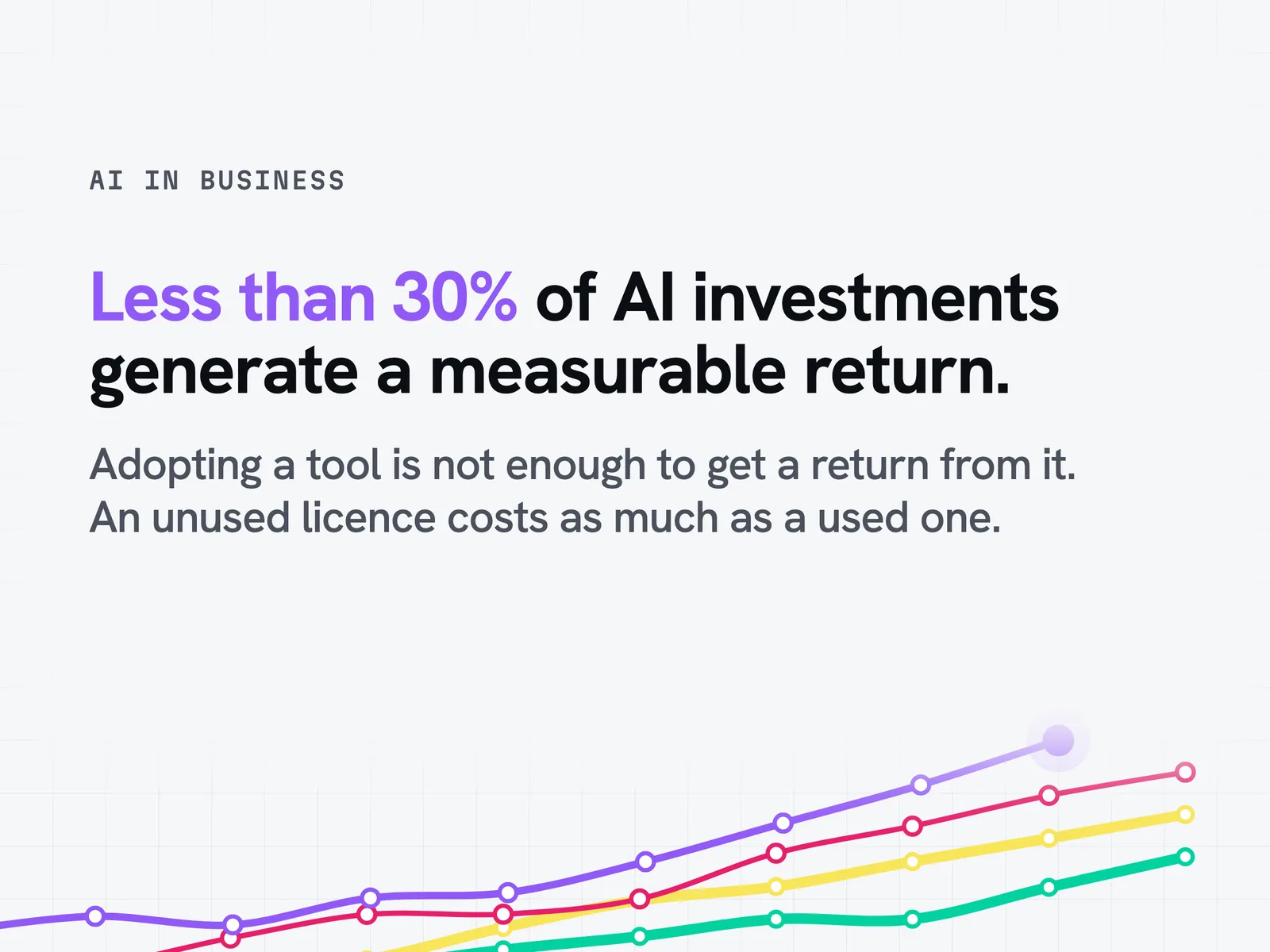
Across the estates we analyse, 20 to 40% of the AI licences paid for go unused. That is a field finding from our missions, not a market statistic.
Target set and measured at your site: 30 to 50% lower cost on the targeted usage, errors divided by 2 to 4. These are mission objectives, not results guaranteed in advance.
Idun Group has been working on these topics since late 2023. At LVMH, for all the perfume and cosmetics brands, an Idun engagement on their generative AI platform in production. At SNCF Immobilier, the audit run in its social-housing subsidiary uncovered 50 critical use cases.