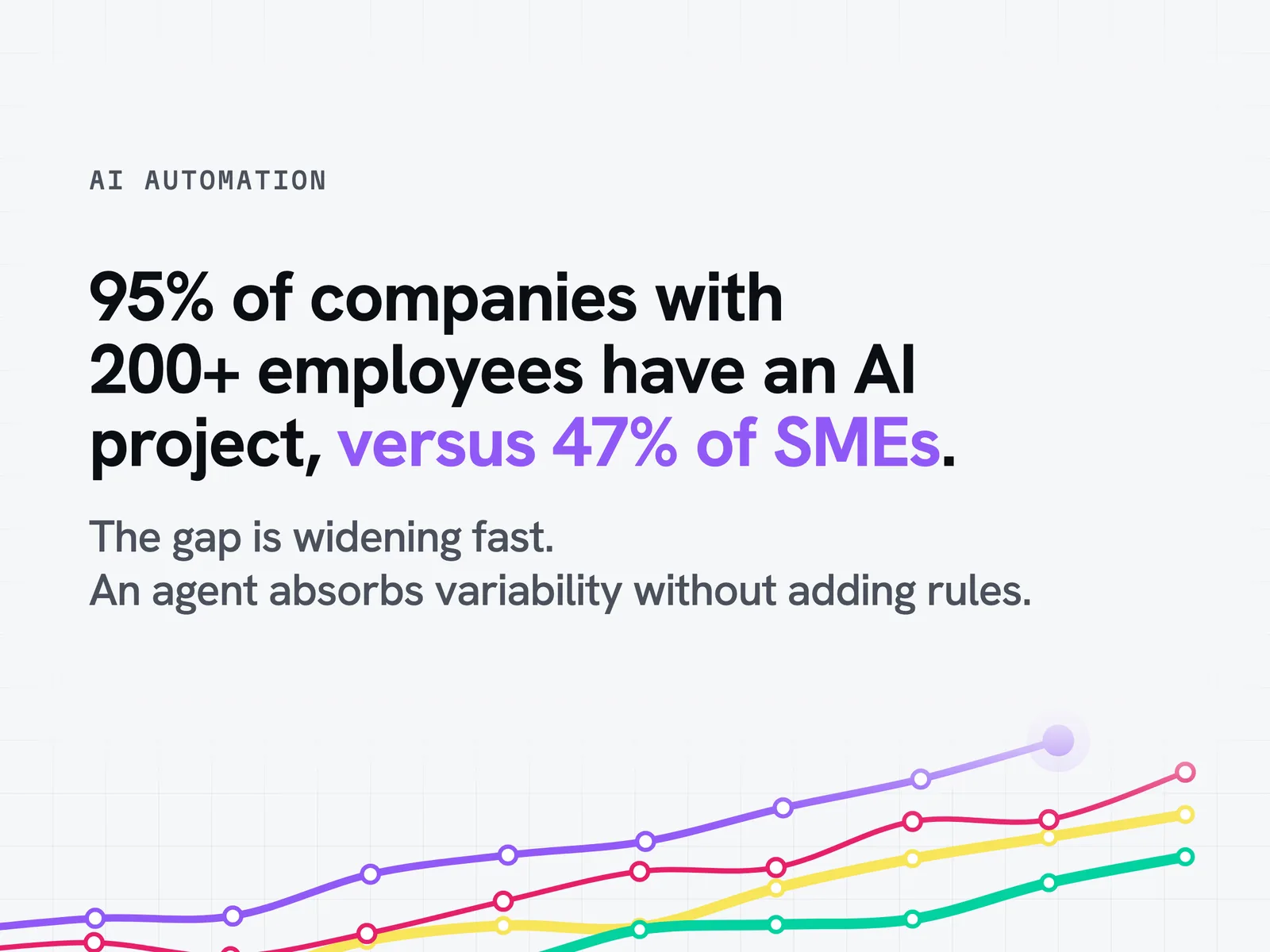
95% of companies with more than 200 employees have already launched an AI automation project, compared with 47% of French SMEs (Bpifrance Le Lab, "L'IA dans les PME et ETI françaises", January 2026, 1,209 business leaders surveyed). AI automation is no longer a gamble but a choice that separates the companies saving time from those stuck on rigid no-code workflows. In this guide we show you where the line falls between traditional automation, no-code and the autonomous AI agent, so that your implementation of process automation protects your return on investment.
What is AI automation? Definition, benefits and differences from no-code
Why is AI automation taking hold in companies now?
47% of French SMEs have launched at least one artificial intelligence project, compared with 95% of companies with more than 200 employees (Bpifrance Le Lab, January 2026). The gap is widening fast. Large corporates have already industrialised their first artificial intelligence use cases, while many SMEs and mid-sized companies are still hesitating over where to start. That delay is costly: every quarter without intelligent automation leaves teams handling by hand processes that today's technology can already handle, and leaves every repetitive decision resting on a person rather than on a dedicated tool. The question is no longer whether AI automation will reach your field or your sector, but how long your competitors have already been using it.
AI automation vs traditional automation (RPA): what is the difference?
RPA follows a set of fixed rules to repeat a task identically, whatever the context. AI automation works differently: an AI agent combines machine learning and natural language processing to analyse the available data and adapt its decision to the case at hand. A model trained with deep learning recognises patterns that no hand-written rule could anticipate. Where an RPA bot breaks as soon as a field changes format, an agent understands the intent behind the request thanks to this applied intelligence and adjusts how it handles it. This ability to adapt changes the nature of the gain compared with conventional process automation.
AI automation vs no-code automation (Zapier, Make, N8N): where is the line?
Many companies confuse AI automation with no-code tools such as Zapier, Make or N8N. Yet these platforms remain chains of preconfigured rules, even when they include a call to a language model. Nor should generative AI, which produces text or an image on demand, be confused with agentic AI, which acts on a system to complete a task end to end. The difference becomes concrete as soon as the volume or variability of situations increases.
The table above compares the three maturity levels on four criteria that hurt when they are ignored: scalability, real decision-making autonomy, vendor dependency and long-term maintenance cost. An agent built on open standards such as LangGraph reduces dependency on a single vendor, whereas a no-code platform holds the business logic in its own format. This is the point to check before committing: where the logic lives, and what is left of it if the platform changes its rules.
Saving time and reducing repetitive tasks
The available academic research puts productivity gains at 10 to 20% on well-defined tasks, and up to +34% for junior profiles (NBER, HBS-BCG). These are orders of magnitude from studies, not results observed at our clients. Repetitive tasks such as reading, sorting and manual checking often add up to several hours per week per employee. Automating this base frees up time for work that calls for real business judgement.
Fewer errors and better quality
Manual processing repeated dozens of times a day always ends up producing input errors or omissions, whatever the subject matter. An agent applies the same rigour to every run with consistent precision, relies on the available information and flags ambiguous situations instead of handling them approximately. Processing quality and speed become more consistent, without depending on fatigue or the workload of the moment. This efficiency can be measured and improves from the first weeks of process automation.
How is the return on investment of automation built?
The return on investment of an automation is not read off an invoice but off a use case. It is made up of three quantities: the human time the task actually consumes today, the share of that time the agent absorbs and the agent's running cost relative to the volume processed. None of these three quantities can be guessed: they are measured on the existing process before anything is decided. It is this mechanism that you present to leadership, never an output figure calculated in advance.
Scalability and decision-making autonomy versus the limits of no-code
A linear no-code workflow holds as long as the number of cases stays low and the situations stay simple. As soon as exceptions multiply, every new rule makes the whole more complex, until the system becomes impossible to maintain at the scale of an entire organisation. An agent absorbs this variability without multiplying conditional branches, because it reasons about the situation rather than about a fixed rule. This gradual transformation avoids the technical debt that lies in wait for any automation project poorly scoped from the start.
Concrete AI automation use cases in companies
Automating the sorting, qualification and handling of customer requests
Sorting and qualifying incoming requests remains one of the most profitable use cases in customer service, because it combines a high volume of cases with contained variability. An agent reads each request, identifies the customer's real intent, and routes the case to the right team or directly triggers a reply that feeds the customer relationship. Your customer support team only handles the cases that genuinely require its expertise, and gains customer satisfaction along the way. This stronger customer engagement shows what AI automation can bring to companies that handle high contact volumes.
Automating follow-up and reminders for cases or prospects
Manually tracking a sales pipeline or a portfolio of open cases takes time without creating value in itself. An agent monitors deadlines at the scale of an entire portfolio, spots the cases that are stalling and triggers the right reminder at the right time. For example, a case left unanswered beyond a set deadline automatically triggers a personalised reminder that takes into account the information already exchanged with the employee handling the case. Your team can then focus on interaction with the customer rather than on manual management of the tracking sheet, and improves its experience with every case it handles.
Automating report and meeting-minutes generation
Compiling data from several tools to produce a weekly report is a tedious task and repetitive by nature. An agent aggregates the relevant sources, produces an analysis based on the latest figures and delivers a readable summary for management without manual intervention. The time saved lets you optimise other priorities and often adds up to hours every week.
Automating compliance checks and document verification
Checking that a case complies with every applicable rule requires careful reading and a good memory of the requirements in force. An agent applies the same compliance checks to every case without missing one, and logs its verification for audit. Document recognition through computer vision complements text analysis to cross-check several supporting documents automatically. Typical situations include:
- verifying supporting documents before approval
- checking consistency across several linked documents
- detecting missing information before sending
Which tools for AI automation? Overview and limits
Zapier: simple until costs explode with volume
Zapier appeals because it is easy to pick up without a developer. Per-action billing becomes a problem as soon as volume rises, however: a ten-step workflow triggered a thousand times generates ten thousand billed credits. Costs then rise faster than the value produced.
Make: conditional logic at a controlled price
Make offers a richer visual interface than Zapier, with more predictable per-operation pricing. Advanced conditional logic nonetheless remains limited overall, and custom development is only available on the most expensive plans. Teams that want to go further soon hit the same wall.
N8N: self-hosting and data control
N8N can be self-hosted on your own server, which gives you full control over your data. That is a decisive argument for French SMEs subject to GDPR. Beyond a million operations a month, however, a custom-built service becomes faster and more predictable than a low-code platform. In reality, N8N is the natural gateway to the autonomous AI agent.
The autonomous AI agent (LangGraph): when should you move beyond no-code?
Three criteria tell you whether your workflow is ready to leave no-code for an agent built on LangGraph-style orchestration: the number of decisions to handle each day, the real variability of the situations encountered and the number of connections to your information system needed to process each case end to end.
These three criteria are read together. High volume on identical situations remains a job for no-code. High variability on low volume is better handled by hand. It is the combination of real volume and real variability, with several systems to query, that justifies an agent.
How to implement and secure AI automation in a company
Step 1: Map processes and identify priority use cases
The first step in any automation project is to list the tasks that consume the most human time without requiring complex judgement. This mapping work must involve the frontline teams, who know the edge cases better than any official process document and refine the implementation over time.
Step 2: Scope the perimeter and IT constraints
Once the situations are identified, you need to check the technical constraints: which applications the agent will need to query, which data is sensitive and which access permissions are required at the target scale. This step involves the IT department from the outset, for example to validate the domain intelligence expected of the future agent, so as to avoid blockers at the end of the project.
Step 3: Build and test the agent with a business expert
The agent is then built around a reference dataset validated by an employee who knows the business from the inside. This training phase for the model and this field test let you correct edge cases before going live, rather than discovering them after the fact.
Step 4: Deploy, measure and evolve the automation
Deployment comes with tracking of the indicators defined upstream: time saved, error rate, number of cases processed automatically. The agent then keeps being adjusted as new situations appear in the company's real flow, a concrete sign that the automated process is maturing with day-to-day use.
Traceability, guardrails and human oversight: what the AI Act requires
The AI Act requires that a human be able to understand, oversee and interrupt an agent that makes high-impact decisions. Traceability of every action becomes mandatory: what, when, why and with which sources. Good governance rests on a clear structure of roles and the possibility of human intervention at any time on a sensitive decision.
Observability: keeping control over your AI agents' decisions
Observability turns this regulatory obligation into an operational advantage and lets you optimise the real use of each agent, whatever its deployment environment. Guardrails applied in a few milliseconds filter sensitive content according to security and information confidentiality rules, and block drift before it reaches the end customer. Whether your infrastructure is hosted in the cloud or on your own servers, on a single site or at the scale of a large organisation, supervision intelligence based on execution logs gives you a complete view of what every agent deployed in your information system is doing.
Before automating: know what is already in use
Why start with measurement rather than a tool?
Most organisations that want to automate already have AI in service. Assistants, agents installed by a business team, subscriptions taken out outside the IT department's budget. Automating on top without knowing what is already running means stacking a new layer on a foundation that nobody can describe.
Vendors' dashboards don't answer this question. Each one covers the scope of its own tool. What slips through, by design, is what teams do elsewhere, and the comparison of the same use from one tool to another.
What we measure and how
We analyse real AI usage across your estate, from the logs and exports your platforms already produce, on the tools you administer, without installing anything on workstations. Handing over exports or a read-only connection: the exact arrangement is settled in the scoping meeting.
Interviews and data, never one in place of the other. The logs give the facts: who uses what, how often, with what error rate. The interviews give the intent and the business constraints. It is the combination that makes the analysis. And the rule that frames everything: we analyse usage, never people.
The three deliverables
| Deliverable | What it contains |
|---|---|
| The map | What teams really do with AI: use cases detected, real adoption by department, assistants and skills created, including what you weren't looking for |
| The account | What each use case costs and what it returns, with paid licences set against observed usage |
| The course | What to industrialise first, what to cut, who to train on what |
The report also carries its appendix of unknowns: the perimeter actually covered, what we could not see and the figures we refuse to put forward. Work that does not state its blind spots asks to be taken on trust.
What we put in place after the measurement
Measuring changes nothing on its own. What shifts usage is three tooling levers, from the least costly integration to the one that commits the most: integrations that bring the agent to where the work already happens, shared assets that turn an individual discovery into a team capability, and common agents that carry the recurring tasks. Tooling, not discipline: you don't fix usage by asking teams to try harder.
Across the estates we analyse, 20 to 40% of paid AI licences go unused. That is a finding from our engagements, not a market statistic.
Targeted and measured at your site: 30 to 50% lower cost on the targeted usage, and errors divided by 2 to 4. These are engagement objectives, not results guaranteed in advance.
Idun Group has been working on these topics since late 2023. At LVMH, for all the perfume and cosmetics brands, an Idun engagement on their generative AI platform in production. At SNCF Immobilier, the audit run in its social-housing subsidiary uncovered 50 critical use cases.