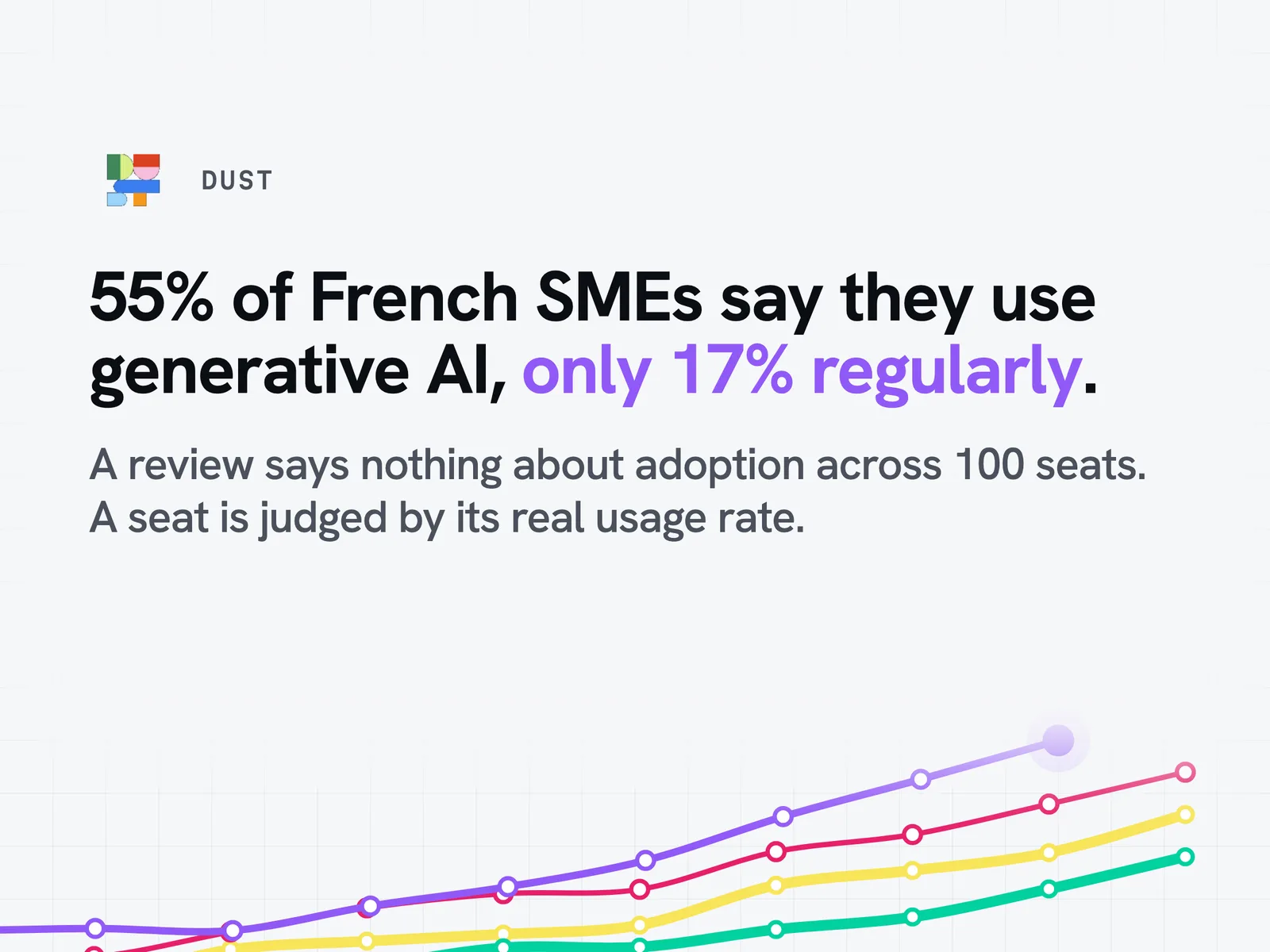
At the end of 2025, 55% of French SMEs said they used generative artificial intelligence. Only 17% use it regularly. Between the two lies a gap where most of the Dust, Copilot or ChatGPT projects launched in companies end up. This article presents Dust, a French AI agent platform for the enterprise: what the tool does, how a team can create an assistant, its features by business function and its pricing. One example per business function shows how the internal knowledge base becomes the backbone of every AI product deployed, from customer service to data. Finally, the article points out what published reviews almost always forget to measure.
What is Dust and how do you create an AI agent on the platform?
Who founded Dust and when?
Dust is a French company founded in 2022 by Stanislas Polu and Gabriel Hubert, two former Stripe engineers. The company closed a funding round in May 2026 with Sequoia and Abstract, with participation from Snowflake and Datadog. It builds a tool designed to equip a whole team rather than a single user. Its two founders publicly champion this vision of collective use.
How does the Dust platform work?
The platform is built around three building blocks: a language model, connected tools and a knowledge base specific to the company. A Dust agent combines these three elements behind a chat interface.
The stated goal is to bring an AI agent closer to the real business context rather than leave it as an isolated generic model. This agentic approach goes beyond the simple standalone chatbot that can only respond to one specific action. No developer is needed to publish a first intelligent agent. The platform runs in a standard web browser, with nothing to install.
Which data and tools can Dust connect to?
Dust connects to the tools where work already happens:
- Slack and Notion for internal knowledge and team discussions
- Google Drive and Google Sheets for documents and spreadsheets
- Gmail, HubSpot and GitHub for sales and technical workflows
Each connector gives access to a scope of data the agent can query. Dust also connects to Zendesk for support. Between them, Slack, Notion and Google Drive hold most of a company's documents.
What are the steps to set up an agent without coding?
Creating an agent follows a guided path, without writing a single line of code:
- Choose an AI model (GPT, Claude, Gemini or Mistral)
- Select the data sources to connect
- Write the instruction that frames the agent's role
- Test the agent on real cases, then publish it to your team
Which AI models does Dust offer?
Dust does not develop its own model. The platform gives access to several generative AI models in a single interface: Anthropic's Claude, Google's Gemini, OpenAI's models and Mistral. This model-agnostic approach makes it possible to switch models without rebuilding an agent. A client can therefore choose between several providers depending on the use case. That option remains a strong argument against a single-provider alternative. A single interface brings several models together to handle a specific need without multiplying subscriptions.
How do you secure company data in a Dust agent?
Before connecting a new source, one point is worth settling with the technical team.
Data security does not stop at the initial connection: managing permissions by team limits drift over time.
Dust features and enterprise use cases
Custom assistants for each business function
Dust lets you configure custom assistants specific to each team. A support assistant shares neither the sources nor the instructions of a legal assistant. This segmentation avoids the trap of a generic assistant that nobody adjusts. Business expertise frames the instructions. That is where the difference between a useful answer and a one-size-fits-all answer is made.
Native integrations with company tools
Native integrations slot into the existing workflow rather than requiring a new tool. An agent connected to a CRM via API can answer directly from Slack. This approach reduces the back-and-forth between applications for a given task.
Sharing and collaboration between teams
Dust champions a collective approach, which it calls multiplayer. An agent created by one team can be shared with another part of the organisation without being rebuilt. This collaboration limits the duplication of the same agent developed in parallel by several people.
Automating recurring workflows
Automation targets repetitive, low-value tasks: sorting emails, writing meeting minutes, extracting data from a document. Automating a repetitive task no longer requires technical skills. Much of the gain shows up on this first use case, the best starting point before extending automation to a whole team.
Customer support and ticket responses: what measurable gain?
The table below sums up Dust's main use cases by business function.
| Business function | Typical use case | What the agent automates | Expected benefit |
|---|---|---|---|
| Customer support | Answering recurring tickets | Drafting replies based on ticket history | Less time per ticket handled |
| Human resources | Onboarding new employees | Answering frequent questions about internal procedures | Fewer direct requests to HR teams |
| Legal | First-pass contract reading | Summarising and spotting clauses in a document | Time saved on initial triage |
| Data | Dashboard analysis | Generating summaries from Google Sheets | Faster reading of indicators |
In customer support, an agent connected to the ticket history proposes a first-level response that the support advisor approves and adjusts. The gain is measured in handling time per ticket rather than in the number of tickets closed.
Human resources and onboarding
An HR agent answers recurring questions about leave, expense claims or internal procedures. It frees up HR teams' time on low-value requests. The agent's expertise remains limited to the internal documents it has been explicitly given access to. Internal documentation remains the HR agent's main source. It centralises the information new employees need.
Legal and internal compliance
In a legal department, an agent helps spot a clause in a contract or summarise a long document before a full read. It does not replace a lawyer's sign-off. It cuts the time spent on the initial triage of a bulky file. A legal check remains necessary before any decision. Searching a long contract saves time mainly on this first triage.
Data and dashboard analysis
On the data side, an agent connected to Google Sheets can generate a readable summary of a table of figures. The output relies on the agent's ability to query a structured source rather than rephrase it on its own. The result remains a reading aid, not a certified calculation. Generated summaries stay under supervision before they are shared.
Dust reviews, comparison and pricing
What do users say after several months of use?
Reviews published after several months of use highlight how quickly people get up to speed on simple cases. A user often reports a real gain in the first few weeks on targeted tasks, then tempers the size of that gain once usage extends to a whole team. This feedback remains individual opinion, not team-level measurement.
What limits do reviews point out?
Four limits come up regularly in public feedback:
- A poorly framed agent gives approximate answers on complex topics
- Quality depends directly on the quality of the connected sources
- The ability to industrialise a use case varies widely depending on team maturity
- A misunderstood advanced feature slows down the move to production
Moving to truly operational use requires support that goes beyond simple individual testing.
What type of company is Dust best suited to?
Dust primarily targets companies organised into several teams, with processes that are already formalised. An SME with few internal tools gets less out of the multi-connector approach. An organisation with several departments and a large volume of internal documents finds more use cases to address.
Dust vs Copilot, ChatGPT Enterprise and Claude
| Criterion | Dust | Copilot / ChatGPT Enterprise |
|---|---|---|
| Available models | Several providers in one interface | Usually one dominant provider |
| Main angle | Building agents connected to internal data | Assistant built into the existing office suite |
| Billing model | Subscription per seat and per tier | Per-seat subscription, often tied to the software suite |
Dust does not try to compete head-on with an office solution that is already in place. Its positioning is about assembling cross-functional agents rather than being a suite's native assistant. Against Microsoft Copilot, Dust bets on openness to several models rather than on a deep change to existing office habits. Looking for an alternative to Dust means comparing the per-seat billing model, not just the feature catalogue. A single-provider alternative remains simpler to deploy but less flexible over time. Between the two, the most suitable alternative depends mainly on the number of teams involved.
Why does Dust emphasise a collective, model-agnostic approach?
The multi-model approach keeps a company from depending on a single AI provider. This choice is an advantage in a market where models evolve fast. An organisation can test a new model without rebuilding its existing agents.
Is Dust suitable for small businesses or freelancers?
An entrepreneur or a small business can use Dust for a one-off need. The platform is still designed for collective use across several teams. A young company of a few people will get less out of it than an organisation already split into departments. Better to master a first workflow, see the result, then expand.
Which pricing plans are available?
Dust offers several plans, including a Pro plan and an Enterprise plan, billed per seat per month. Moving from one tier to the next depends on the number of users and the level of access to advanced features. As with most vendors in the sector, the exact price list changes regularly and should be checked directly with Dust. The exact offer changes regularly: Dust's sales team remains the most reliable source for an up-to-date quote.
What matters is not the seat price but its real usage rate
One figure to keep in mind before comparing yet another price list.
This decision is better steered by measured usage than by a list price.
How can you tell whether your company really uses Dust?
What reviews never measure: real adoption once Dust is deployed at scale
A review published after six months of individual use says nothing about real adoption across fifty or a hundred seats.
Between declared usage and regular usage lies the question nobody asks in an online review: does your company really use the tool it pays for?
What signals point to an underused Dust licence?
Several signals give away a rollout that has not taken hold:
- Seats bought with no login for several weeks
- Agents created, then abandoned after a few tests
- The same use case rebuilt separately by two teams unaware of each other
- An automated reply never reviewed or corrected after several weeks of use
Accessing an archived document becomes faster once the source is connected. But a poorly framed automated task can also spread an error faster than a human would have.
What a company puts in place once the measurement is done
Measuring is not enough. The steps that follow are ranked from least costly to most committing. They are three forms of tooling, never discipline rules handed down to teams.
Publish the agents everyone rebuilds in their own corner. Dust lets you share an agent from one team to another without rebuilding it. Measurement turns this sharing into a decision you can actually take: when it shows that three teams have built the same support assistant, publishing just one raises everyone's level with no extra budget.
Connect the agent where the work already happens. An assistant that forces people to leave Slack or Notion to open yet another interface does not take hold. Connectors to the document space, email and the customer relationship tool turn voluntary use into natural use.
Pool resources on the use cases the measurement has identified as recurring. It is the most committing lever. It is also the only one decided on data rather than intuition: you only industrialise what is already being practised.
How do you measure real Dust usage alongside your other AI tools?
The audit of real AI usage run by Idun Group looks at Dust alongside your other tools, using the logs and exports the platform already produces. The method relies on a direct connection to the best-known AI tools on the market, without installing anything on workstations and without re-instrumenting. The principle behind it does not change: we analyse usage, never people. Results are aggregated by team and by tool, never by person; the exact status of the processing is validated with the data protection officer. A dashboard measures usage. The audit tells you what to do about it: industrialise a proven use case, consolidate duplicate seats, cut what is not used.